
The original business phone has become less of an essential as Android and Apple have become more established.
Although Blackberry produces Android phones nowadays, you may find you need to transfer contacts from a classic Blackberry to an Android phone.
The easiest way to do this without using third party software or connecting to a computer is to transfer using Bluetooth.
1. Switch on Bluetooth on both of your devices. In Android it should be available in the swipe down shortcut list.
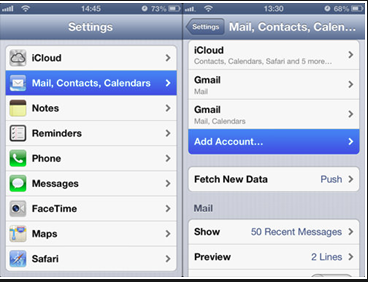
For Blackberry you’ll need to go to Settings > Wireless and Networks > Bluetooth settings. Make sure your device is ‘visible’.
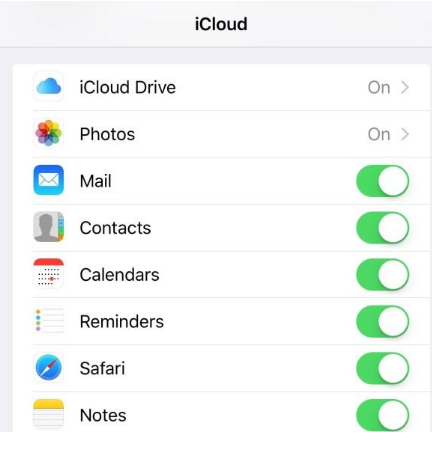
2. Pair your devices: You’ll need to ‘Add a new device’ from your Android phone. Run a search and when the Blackberry is found select it.
3. The Android phone should now show up on your Blackberry screen, select it.
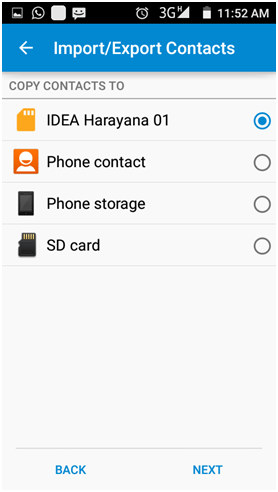
4. Press the Blackberry button and select transfer contacts.

5. You’ll need to authorize contact, so select OK and wait while the transfer is completed.

Thank you, your comment successfully submitted
your comment has been submited, it might take a while to be moderated.