How to Import Contacts from Google Contacts to Mailchimp?

Mailchimp, one of the best email marketing automation tools, allows you to widen your pool of subscribers by importing contacts from Google contacts to itself.
Mailchimp, one of the best email marketing automation tools, allows you to widen your pool of subscribers by importing contacts from Google contacts to itself.
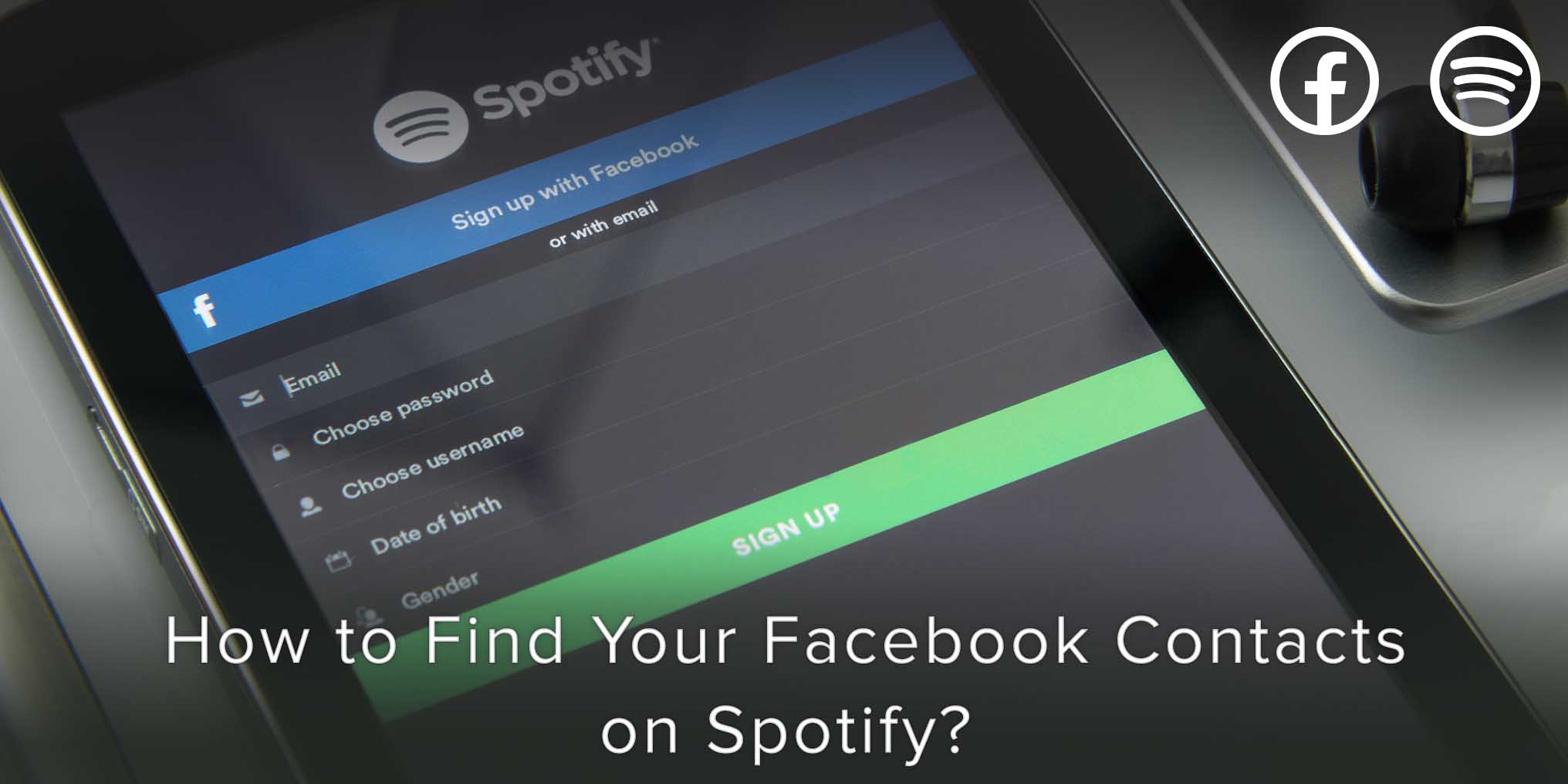
If you cannot find your Facebook Contacts on Spotify or if you see “You have 0 Facebook friends on Spotify”. This article will help you resolve this problem once and for all.
If you’ve wondered how you can delete contacts on your iPhone individually and in Bulk, this article will present you with 4 solutions to do so:
Importing contacts from your phone to Skype is an extremely easy task, requiring almost no effort on your part.
CamCard is a business card app with over 100 million users that allows you to scan, manage, sync and exchange business cards with ease. Available on Android, iOS and Windows, CamCard ensures that you never lose a contact ever again.
You have probably wondered how many contacts you should add to your list for a phenomenal Marketing strategy.
CamCard is a business card app with over 100 million users that allows you to scan, manage, sync and exchange business cards with ease. Available on Android, iOS and Windows, CamCard ensures that you never lose a contact ever again.
If you want to group contacts on your iPhone 11, there are numerous ways to do so.
However, in this article, we’ve presented a way for you that should be the easiest to not only understand but also implement.
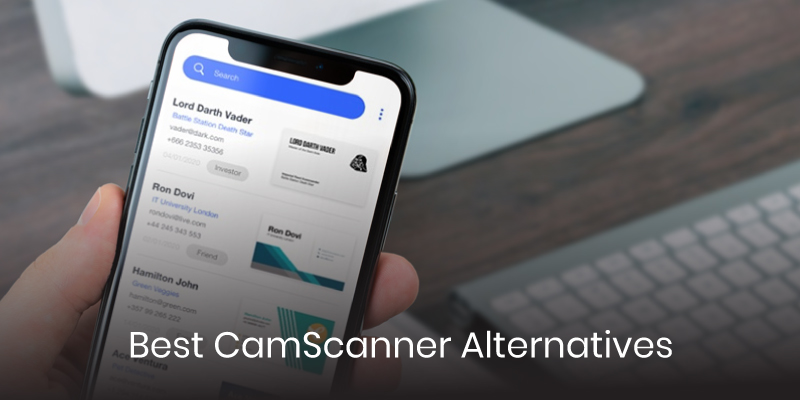
Following the ban of 59 Chinese apps by the Indian government on June 30th, many users are left looking for alternatives to their favorite apps, including CamScanner, the popular business card scanner; and by the looks of things, CamCard may be next in line.
If you are looking for the best CamScanner and CamCard alternatives for business card scanning, we have put together a list for you.
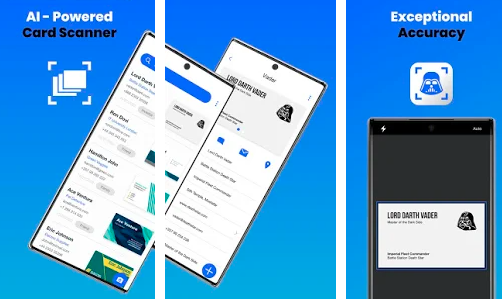
The Business Card Scanner by Covve, is the world’s most accurate AI-powered card scanner and with 4.9/5 rating on the app store it needed to be at the top of our list. As the name suggests Covve Scan is brought to you by the team behind Covve, the smartest contacts app, meaning that accuracy and quality are guaranteed. The app allows you to easily scan, add to contacts, access and share business cards right from your phone.
Covve Scan Features:
Download Covve Scan for iOS or Android and get a free trial today!
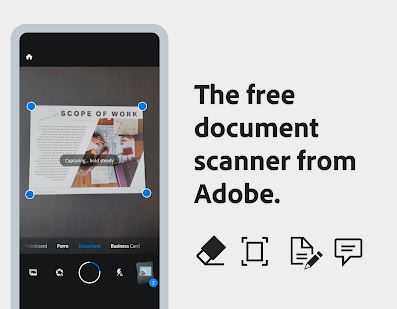
Adobe Scanner is another popular document scanning app that can be used as a CamScanner alternative. Adobe Scan by Adobe is a PDF scanner that recognizes text automatically thanks to its optical character recognition functionality (OCR). The app allows you to scan different types of documents, including business cards and turn them into an Adobe PDF.
Adobe Scan Features:
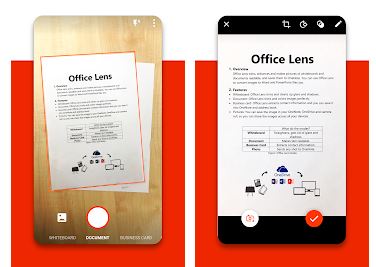
Another CamScanner alternative is the popular document scanner Microsoft Office Lens, which of course, comes from Microsoft. Like the aforementioned apps, this scanner is available for both Android and iOS devices. The app allows you to digitize different document types, including business cards, and easily access and share them from anywhere.
Microsoft Office Lens Features:
These are our recommendations for the best business card scanner apps you can use as a CamScanner alternative,especially since the app has been banned in India. You might even find that some of them have more to offer and will give your productivity a greater boost. It is now up to you to download and find the one that works best for you!

The privacy and security of our users’ data is a top company priority. Our team takes significant measures to safeguard user data. We follow best practices in process and control and in the choice and architecture of our solutions, undertake regular 3rd party audits and commit to a stringent privacy policy in line with GDPR.