How to Bulk Delete Contacts in Zoom?
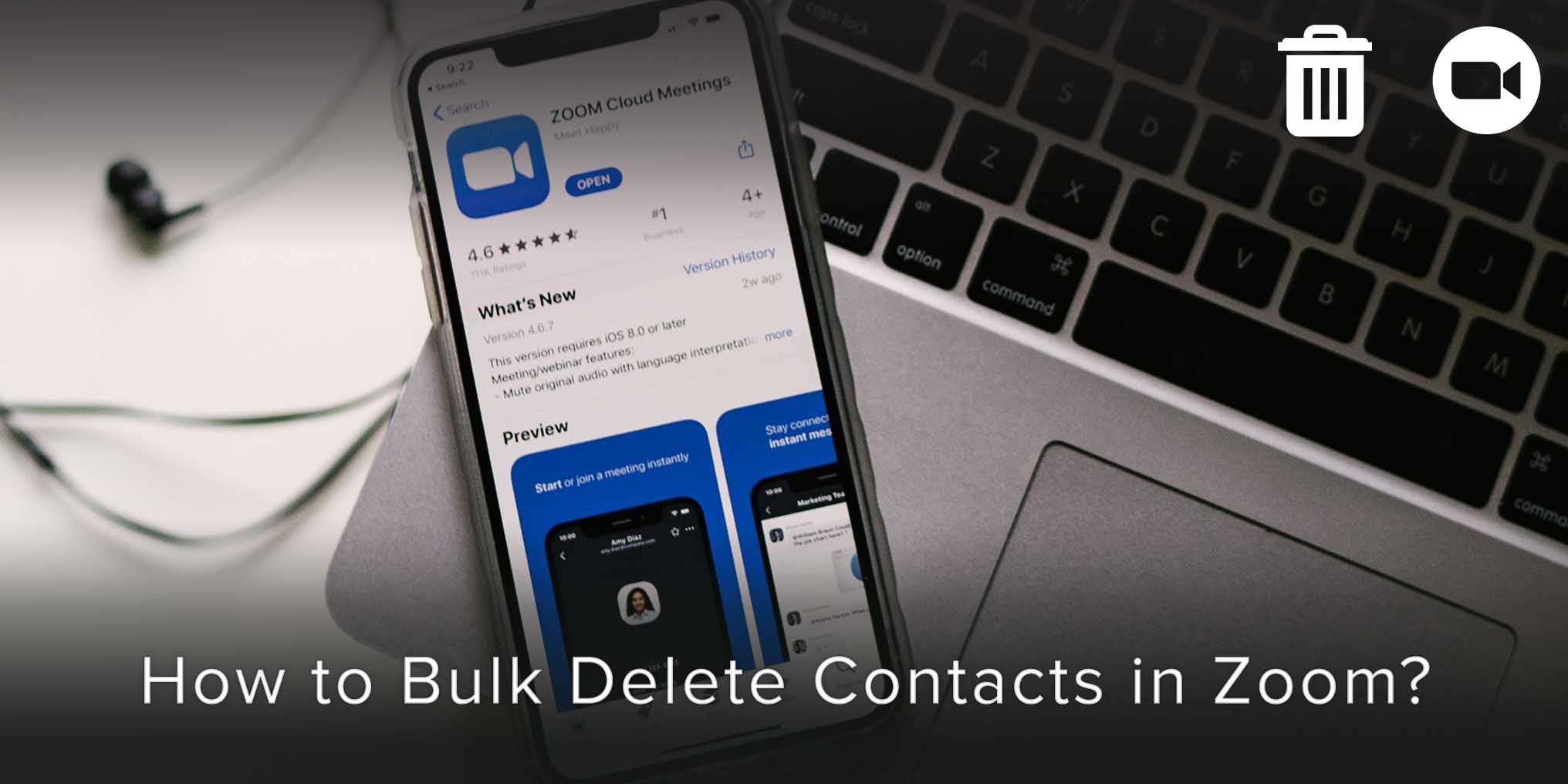
The Zoom app allows you to delete contacts, that are no longer poignant to your contact list, in bulk or individually.
Articles in category: “How To”
The Zoom app allows you to delete contacts, that are no longer poignant to your contact list, in bulk or individually.

When you create a team of people in Microsoft Teams, you have the option to delete contacts in bulk or individually from that team.

CamCard is a business card app that allows you to scan, manage, sync and exchange business cards with ease. Available on Android, iOS and Windows, CamCard ensures that you never lose a contact ever again.

Hubspot is, undoubtedly, one of the best tools for Database and Inbound Marketing, especially with activities pertaining to CRM or Customer Relationship Management.

Skype allows you to delete contacts individually only.
If you decide to delete contacts from Skype, you should not be able to find them in your Skype account anywhere.


Contacts that you create for your Business on Hubspot serve as an invaluable asset.
These contacts and their information serve as a tool for you to customize your messages and campaigns as per individualistic needs.
Encrypting a phone today could well be classified as just another must-haves.
Just as you need food, shelter, air, and clean water, having an encrypted phone has become more a necessity than a need or a choice.

Importing contacts from your phone to Microsoft teams allows for collaboration without the hassle of segregation through your long list of contacts.

In Microsoft teams, you have the power to enable synchronization with third part services or third party apps.