Articles in category: “How To”

How to Migrate from ABBYY to Covve
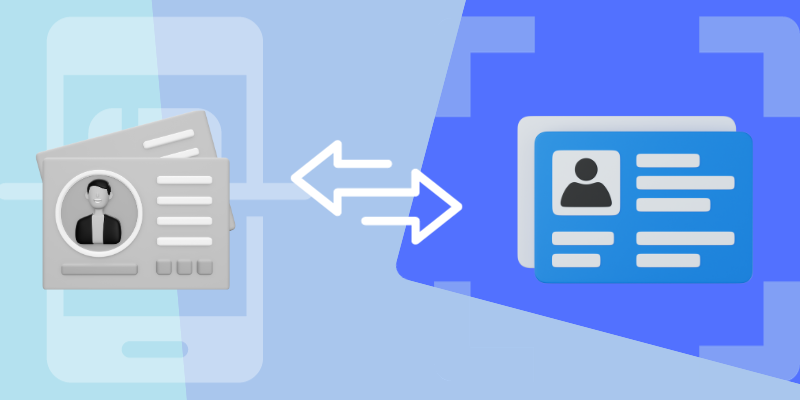
Ending a product’s life is not a rare or sparse occurrence, however it is always shocking to the industry. In the card reading software market, one leading provider recently announced that it will discontinue support, new subscriptions, and in-app purchases for its FineReader PDF for Mobile and Business Card Reader for Android users, Text Grabber for both iOS and Android. 

The software company also noted that the Business Card Reader for iOS no longer supports syncing for scanned business cards, limiting its use and support for Apple users. If you haven’t guessed it, ABBYY, the multinational software company specializing in optical character recognition (OCR), has discontinued support for its business card scanner app as of August 17th.

The ABBYY card scanner app for Android users was officially removed from the Google Play store as of the 18th of September, leaving users seeking alternatives. It is crucial to persist in networking endeavors. Adapting to new software and networking practices necessitates the selection of an alternative card scanner app to maintain established habits and workflows. 

Why Move From ABBYY to Covve?

In finding a suitable alternative to the discontinued ABBYY card scanner software, professionals can turn to existing comparisons and studies to find one that suits their needs. Capacitor Partners, a prominent firm specializing in digital transformation and product management, conducted a study in 2022 to evaluate cutting-edge card scanner apps on the market.

The research involved a comparison of features and functionalities among five card scanner apps, including ABBYY, BizConnect, CamCard, and Covve. While Covve’s card scanner demonstrated superior efficiency, effectiveness, and user-friendliness, the other alternatives remain viable choices for individuals seeking networking solutions that align with their specific requirements.

The study highlighted that Covve offers a free trial of its card scanner and provides the option to purchase for expanded functionality within the application. Notable distinctions include Covve’s ability to scan business cards with greater accuracy and speed, as opposed to other providers.

Furthermore, Covve offers quicker scan processing times and seamless integration with a broader suite of Covve tools, encompassing personal CRM and digital business card applications.

In settling with Covve, we have prepared a simple process to migrate your contacts from ABBYY to Covve, where you can also integrate your contacts with Covve’s personal CRM for a more holistic, habit-building experience.

Migrating to Covve Personal CRM from ABBYY

The following steps include downloading the Covve personal CRM app, and an opportunity to reflect on your existing network. In ensuring that all contacts are successfully migrated and their information is found in the respective fields, you can take the time to assess your network and discover dormant relationships which may need to be rekindled. For that, Covve offers extensive workshops and masterclasses with experts from various sectors and backgrounds, offering their insights into how to build lasting relationships.

Let’s go through a simple process of migrating contacts from ABBYY to Covve:

  1. In ABBYY, look for an export or backup option. It may allow you to export your contacts and notes in a standardized format, such as CSV files or plain text such as HTML for notes
  2. Import the data into your phone’s contacts using Google or iCloud
  3. Install and create an account with Covve’s personal CRM tool
  4. Contacts will be readily available within Covve
  5. Continue scanning using Covve’s personal CRM

It is important to note that images of the cards will not be exported, and some information exported from ABBYY may be lost in the process.

As stated above, it is imperative to continue managing and nurturing relationships to maintain both personal and career success in this vastly inter-connected world. ABBYY’s discontinued software does not mean the end of your networking efforts. It is a new beginning. In the process of migrating contacts and their information to Covve, support is promptly available throughout to ensure a smooth and effective transition.

Contact Covve directly through our website, or find the help you may need in our FAQ’s. We would be delighted for you to continue your networking journey with us.

Continue reading…

How to add profile pictures to your contacts

Contact Photos

Adding pictures to your contacts makes it much easier and faster to identify the person you want to reach out to. It also makes the whole experience on your phone more colourful and satisfying – it’s a communication device after all! We have a quick solution to add a face to those contact avatars.

Continue reading…

How To Add Daily Reminders on Galaxy S22?

Life’s constant hustle and bustle can make you forget the most basic and essential things. Imagine walking into your office only to discover that you left your laptop at home. With horror, you might also realize that you left your house keys on top of your office4 desk after a long day. Fortunately, reminders help you keep up with essential tasks to save time and avoid inconveniencing situations. However, you might own a Samsung Galaxy S22 but not know how to set a daily reminder. Keep reading this article to find out how to add daily reminders to your Galaxy S22.

Continue reading…

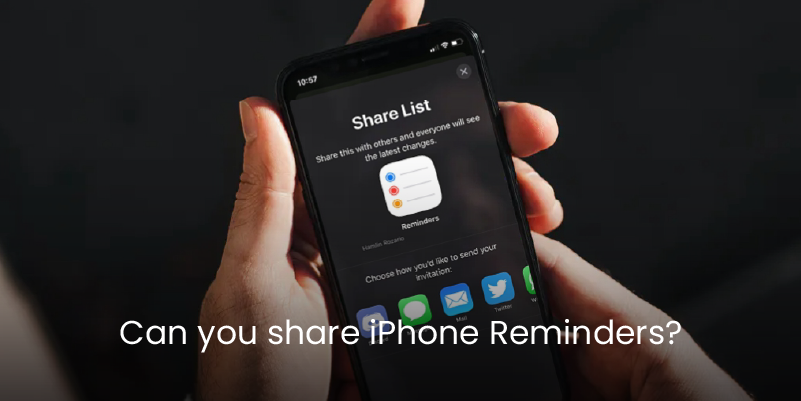
Can you share iPhone Reminders?

Setting reminders make you and your team organized. You will never forget about an important task or event. If you and your team share the same to-do list, then there is no need for everyone to create the list and reminders individually. You can simply create the list and share the reminders with the team members on your iPhone. This saves both time and energy for the group members and makes sure that you use the same list and reminders. Therefore, no one is left behind, and your team management improves significantly. Sharing iPhone reminders can sound like a complex assignment. However, the crux of the matter is that it is simple and can be done by anyone on their iPhone, as explained in this article.

Continue reading…

Reasons why iPhone Apps Are Crashing And How To Fix Them

Reasons why iPhone Apps Are Crashing And How To Fix Them

Although iPhone is a top-notch mobile device, it is not immune to faults. Recently, many users have been ringing bells regarding iPhone apps crashing. Well, an app crash may happen immediately after you launch the app or at any time you are using the app. Irrespective of when and how, the inconveniences caused by iPhone app crash is something every iPhone users wants to run away from. But since it is becoming a common occurrence, you need to understand the genesis and respective solutions highlighted in this article.

Continue reading…

How to Sync Contacts to iPhone 13

How to Sync Contacts to iPhone 13

iPhone 13 is no doubt one of the hottest smartphones in the market. Thanks to its amazing collection of features. While you can handle a number of things with iPhone 13, syncing your contacts to iPhone 13 is one you can never avoid. Getting your contacts synced on iPhone 13 is not a rocket science task. However, it can turn inside out if you don’t have the right guide. Fortunately, this article takes you through a detailed guide on how to sync contacts to iPhone 13 with ease.

Continue reading…

Why It Is Important To Clean Up Your Contact List, And How To Do It

Why It Is Important To Clean Up Your Contact List, And How To Do It

Proper management of contacts is a recipe for effective client marketing. Myriads of business owners and marketing personnel are investing in contact management because they have a crystal clear picture of its importance. If you need a smooth way to send marketing emails or relevant content to your contacts list, you need to clean up your contacts. Fortunately, this article takes you through a complete guide on the importance of cleaning up your contact list and how to do it.

Continue reading…

What are NFC business cards?

What are NFC business cards?

Business cards have shaped how business owners communicate with their clients, from traditional printed cards to state-of-the-art electronic cards, and now, NFC business cards are the talk of the town. If you are new to NFC cards and wondering what they are, go through this article and get a clear explanation of NFC business cards.

Continue reading…

How To Transfer Contacts from Android to iPhone 13

If you have recently migrated from Android to iOS, you might need to transfer your contacts from the old phone. Unfortunately, moving your contacts might not be a straightforward process. You might feel stuck and wonder how to extract your contacts from your old phone to the new one without manually saving each contact. This article will guide you on two different ways to transfer contacts from Android to iPhone 13.

Continue reading…